EN
EN



Common Printer Problems and Solutions
-
Paper Jam
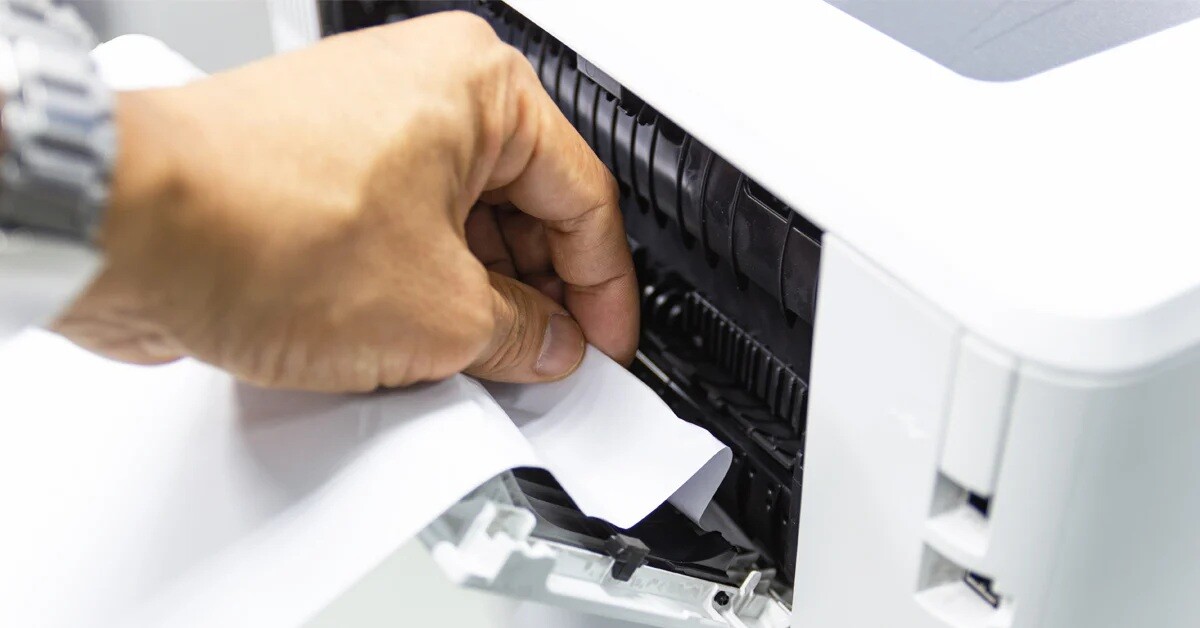
Paper jams are one of the most common printer issues, often caused by misaligned or wrinkled paper.
Solution: Unplug the printer and carefully remove the jammed paper. Ensure that the paper is properly aligned in the tray. -
Poor Print Quality
Faded prints or streaks can result from low ink/toner levels or clogged printheads.
Solution: Check ink or toner levels and replace if necessary. Run the printer’s cleaning function to improve print quality. -
Connection Issues
Wi-Fi or USB connectivity problems can prevent printing.
Solution: Verify the printer’s connection settings and restart the device. For wireless printers, check the router connection. -
Printer Not Responding
If the printer is unresponsive, it may require a reset.
Solution: Turn the printer off and on, then check the connection between the printer and the computer.